


- Why Restaurants Are Juggling More Order Channels Than Ever
- What Order Consolidation Actually Means
- Order Consolidation vs. Order Aggregation: Are They the Same Thing?
- The Restaurant Problems Order Consolidation Solves
- How Order Consolidation Works, Step by Step
- Does Order Consolidation Replace Delivery Apps?
- Does Order Consolidation Replace Your POS?
- Who Needs Order Consolidation the Most?
- Signs Your Restaurant Needs Order Consolidation
- What to Look for in an Order Consolidation System
- How Orders.co Helps Restaurants Consolidate Orders
- Before and After: A Pizza Shop Example
- FAQ
Walk behind the counter of a busy independent restaurant, and you’ll usually find the same thing: a row of tablets. One for DoorDash, one for Uber Eats, maybe one for Grubhub, a laptop or screen for the website orders, and a pad of paper for whatever came in over the phone. Each one beeps on its own schedule. None of them talks to each other. And when the rush hits, a staff member is copying details off those screens and re-typing them into the POS by hand.
That’s the exact problem order consolidation for restaurants is built to fix. Order consolidation is the process of bringing orders from every channel — third-party delivery apps, direct online ordering, phone, catering, and in-store — into a single central system, so your team can manage everything from a single dashboard instead of watching five devices at once. The restaurant isn’t struggling because it has too many orders. It’s struggling because those orders are arriving from too many disconnected places.
This post covers what order consolidation means, how it works, the problems it solves, how it differs from your POS, and how to tell whether your restaurant needs it.
Why Restaurants Are Juggling More Order Channels Than Ever
A decade ago, most orders came in one of two ways: someone walked in, or someone called. Today, a single independent restaurant can be taking orders across:
- Dine-in
- Takeout at the counter
- Phone orders
- Direct website orders
- DoorDash, Uber Eats, and Grubhub
- ezCater or other catering platforms
- Self-ordering kiosks
- A branded mobile app
Every one of those channels is a chance to make a sale. That’s the upside, and it’s real. But each channel usually appears on its own device, with its own alerts, menu setup, and reporting. The math is simple and unforgiving: more channels can mean more revenue, but without a way to pull them together, they also create more places for orders to slip through.
What Order Consolidation Actually Means
Strip away the jargon, and order consolidation comes down to one idea: all your incoming orders show up in one place.
In practical terms, a restaurant order consolidation setup means:
- Every order — delivery, direct, and in-store — lands in a single dashboard
- Staff watch one queue instead of five tablets
- Tickets route to one kitchen printer or kitchen display screen (KDS)
- Delivery and direct orders are tracked together, not in separate silos
- Menu updates can be managed from one place instead of app by app
- Reporting is centralized because the data isn’t scattered across a dozen logins
Here’s the difference in plain terms:
| Before consolidation | After consolidation | |
| DoorDash order | On the DoorDash tablet | In one dashboard |
| Uber Eats order | On the Uber Eats tablet | In one dashboard |
| Website order | In a separate ordering portal | In one dashboard |
| Phone order | Written on paper | Entered once, in one place |
| Getting it to the kitchen | Staff retype into the POS | Routes automatically to the printer or KDS |
| Checking sales | Log in to each platform separately | One reporting view |
That’s the whole shift: from five workflows fighting for attention to one workflow the team can actually keep up with.
Order Consolidation vs. Order Aggregation: Are They the Same Thing?
You’ll hear “order consolidation” and “order aggregation” used interchangeably, and most of the time, nobody’s wrong to do it. But there’s a useful distinction to keep in mind when you’re comparing tools.
| Order aggregation | Order consolidation | |
| Main job | Pulls third-party delivery orders into one tablet or dashboard | Brings delivery, direct, phone, and in-store orders together |
| Problem it solves | “Too many tablets” | “Too many disconnected systems” |
| Typically includes | Delivery app orders | Delivery + direct ordering + POS syncing + menu management + reporting + customer data + kitchen routing |
The short version: aggregation solves the tablet problem. Consolidation solves the whole operation problem.
The Restaurant Problems Order Consolidation Solves
Too many tablets behind the counter
One tablet is fine. Three or four during a Friday dinner rush becomes a workflow problem. Each app has its own alert sound, order flow, prep-time settings, and menu rules, and someone has to keep track of all of them at once.
Manual re-entry into the POS
This is the quiet one that costs the most. A staff member reads an order off the delivery tablet and re-types it into the POS. Every re-typed order is a chance to drop a modifier, miss a substitution, skip an allergy note, or fumble a combo. This is not a staff problem — it’s a system problem. Ask people to copy hundreds of orders by hand during a rush, and mistakes are inevitable.
Missed or late orders
When the counter is slammed, orders get accepted late or missed entirely. That hurts the customer and, on delivery apps, also drags down your performance metrics, which can quietly cost you visibility and future orders.
Inconsistent menus across platforms
You 86 an item on the POS but forget to mark it unavailable on Uber Eats. Or you raise a price on the website but not on DoorDash. The result is cancellations, refunds, frustrated customers, and staff caught explaining a mismatch they didn’t create. Keeping a restaurant menu in sync across every channel by hand is nearly impossible once you’ve got more than a couple of platforms.
Messy reporting
If every channel has its own dashboard, the owner is left guessing. Which channel is actually profitable? Which items sell best where? How much is coming from direct orders versus the marketplaces? Scattered data makes those questions hard to answer.
Staff stress during the rush
Consolidation isn’t only about software — it makes the restaurant easier to run. When the workflow is cleaner, staff can focus on food and service instead of babysitting screens.
How Order Consolidation Works, Step by Step
The workflow is more straightforward than it sounds:
- Connect your channels. Link your delivery apps, website ordering, POS, and other order sources into a single system.
- Pull orders into one dashboard. Incoming orders appear in a single queue instead of on separate tablets.
- Route orders to the right place. Tickets go to the kitchen printer, KDS, or POS, depending on your setup.
- Sync menu updates. Menu and availability changes push out across connected platforms where supported, so you’re not editing the same thing five times.
- Track performance. You can see which channels drive sales, which cause problems, and where direct orders are growing.
Does Order Consolidation Replace Delivery Apps?
No. Order consolidation doesn’t replace DoorDash, Uber Eats, or Grubhub — it helps you manage them better.
Delivery apps are genuinely useful for discovery. Millions of people browse them daily and discover new restaurants that way, and that’s a real customer acquisition channel worth keeping. The problem was never that the apps exist. The problem is when each one runs as its own disconnected workflow with no strategy behind it.
A healthier approach is to use the marketplaces for reach while building direct ordering for the customers who already know you. Delivery apps have publicly offered commission tiers reported to be roughly 15% to 30%, which is a fair price for finding new diners but a steep one to keep paying for regulars who’d happily order from you directly. Consolidation lets you do both: keep the apps for visibility, and give repeat customers an easy, direct path.
Does Order Consolidation Replace Your POS?
Not always — and you shouldn’t assume it has to.
Some consolidation tools sit on top of your existing POS. Some integrate with it. Others can serve as the POS if you want a more complete setup. The right answer depends on your operation, not on a vendor telling you to rip everything out.
This is worth being skeptical about when you’re shopping. A system that forces you to replace a POS your staff already knows how to use is solving its own problem, not yours. Plenty of restaurants get most of the benefit by consolidating delivery, direct ordering, and reporting first, and revisiting the POS only if and when it makes sense.
Who Needs Order Consolidation the Most?
- Pizza shops with heavy delivery volume and lots of repeat customers — the tablet load and re-entry pain are highest here.
- Quick-service restaurants with sharp rush periods, where a few missed tickets in an hour add up fast.
- Ghost kitchens and virtual brands running entirely on third-party platforms, often several concepts out of one kitchen.
- Coffee shops are balancing walk-in, pickup, and app orders at high frequency.
- Any restaurant running DoorDash, Uber Eats, and Grubhub at the same time.
- Restaurants with direct online ordering plus marketplace orders, where two systems rarely line up.
- Multi-location groups that need a consistent workflow across every store.
- Caterers are using ezCater alongside their own direct orders.
Signs Your Restaurant Needs Order Consolidation
You probably need order consolidation if:
- Your counter has three or more delivery tablets
- Staff manually type delivery orders into the POS
- Orders get missed during the rush
- You update menus separately on every app
- You can’t easily tell which channels are profitable
- You get complaints about wrong modifiers or missing items
- Your kitchen gets tickets from too many places
- Your staff dread managing delivery orders
- You want more direct orders, but still need the apps for visibility
- You’re opening more locations and need a cleaner workflow
If more than a couple of those sound familiar, the chaos isn’t going to fix itself as you grow — it’ll multiply.
What to Look for in an Order Consolidation System
The best system isn’t the one that pulls the most orders onto one screen. It’s the one that fits how your restaurant actually works. Look for:
- Integrations with the delivery apps you actually use
- POS compatibility (so you’re not forced to switch)
- Direct commission-free online ordering
- Centralized menu management and menu sync
- Kitchen printer and KDS routing
- Auto-accept and prep-time controls
- Channel-level reporting
- Customer data ownership
- Loyalty and marketing tools
- Multi-location support
- Real human support and onboarding
- Transparent pricing
A few common mistakes to avoid: choosing on price alone, adding another dashboard without actually fixing the workflow, ignoring POS compatibility, forgetting menu sync, leaning on delivery apps with no direct-ordering strategy, and waiting until you’re already overwhelmed to make a change.
How Orders.co Helps Restaurants Consolidate Orders
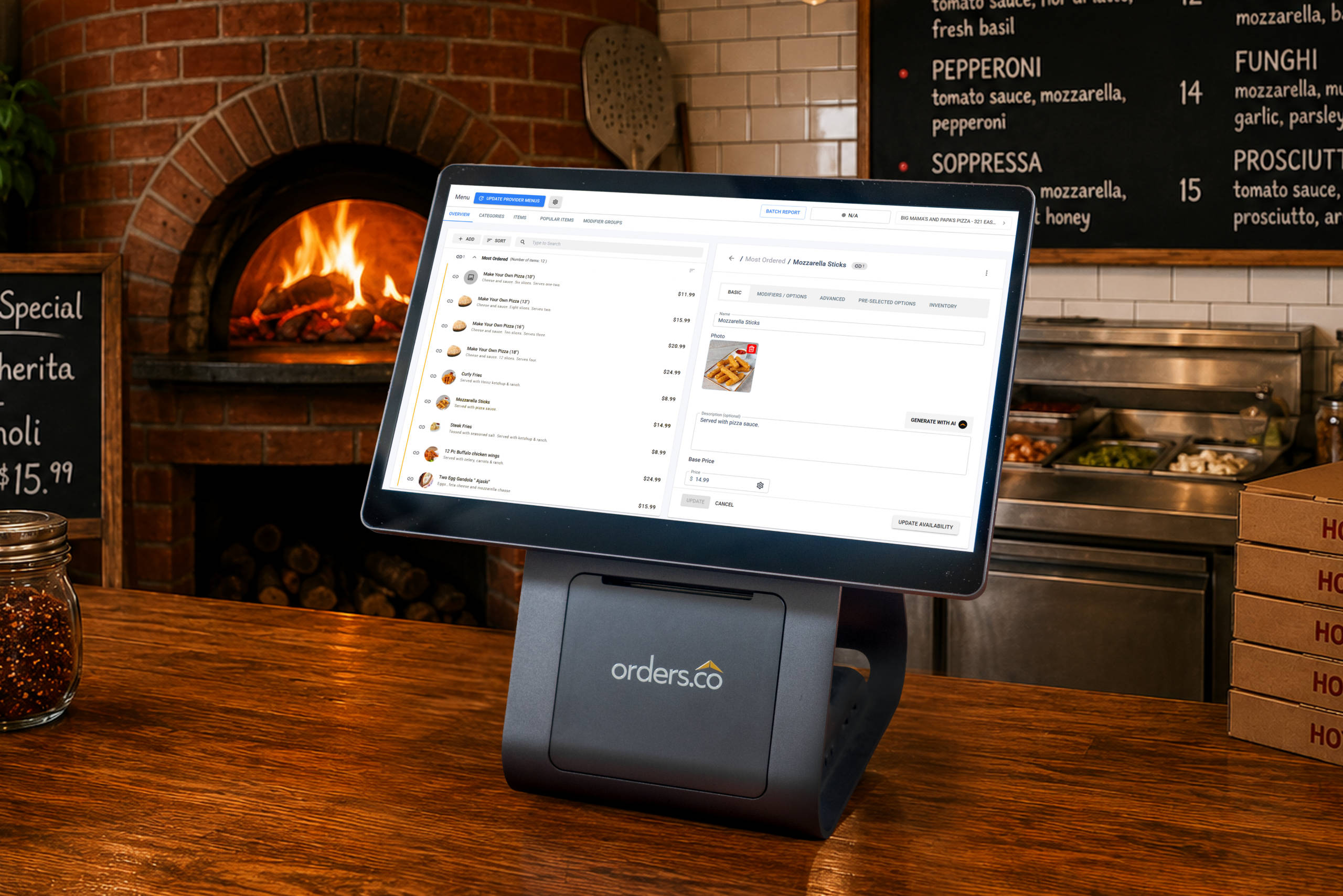
Orders.co is a restaurant operations and growth platform built to bring delivery, direct online ordering, POS, menu management, reporting, loyalty, and marketing into one connected system — so you’re not just consolidating tickets, you’re running a more connected operation.
In practice, that means:
- Third-party delivery integrations with Uber Eats, DoorDash, Grubhub, and ezCater, all flowing into one dashboard
- Direct commission-free online ordering, so you can use the apps for discovery while giving repeat customers a direct path back
- Menu management from one place, so a change updates across connected channels
- Centralized reporting across every channel
- Loyalty and automated marketing to turn one-time diners into regulars
- Flexibility on the POS — Orders.co can work alongside your current POS or serve as your POS, depending on your setup
- Support and onboarding from real people
The point isn’t to make you choose between delivery apps and direct ordering. It’s to help you manage both in a way that’s easier on your staff and better for your margins.
Before and After: A Pizza Shop Example
Before. A pizza shop is accepting orders through DoorDash, Uber Eats, Grubhub, and its own website. Staff watch four screens during the Friday rush. One Uber Eats order is accepted late, a DoorDash order goes to the kitchen missing a modifier, and the owner has to log in to three dashboards on Monday just to figure out how the weekend went.
After. Every order lands on one dashboard and is routed straight to the kitchen. Staff stops re-typing tickets. The owner can see direct versus marketplace orders at a glance and uses loyalty and marketing to nudge repeat customers back through the shop’s own website — where there’s no commission to pay.
FAQ
Order consolidation for restaurants is the process of bringing orders from every channel — delivery apps, direct online ordering, phone, catering, and in-store — into one central dashboard. Instead of using separate tablets for DoorDash, Uber Eats, and Grubhub, staff members manage all incoming orders from a single system, reducing missed tickets, manual re-entry, and errors.
A restaurant connects its delivery apps, website ordering, and POS to one system. Incoming orders from every channel appear in a single queue and are then routed to the kitchen printer or display screen. Menu updates can push across connected platforms, and reporting is centralized so the owner can see performance across all channels in one place.
They’re often used interchangeably, but there’s a slight difference. Order aggregation typically involves consolidating third-party delivery orders into a single tablet or dashboard. Order consolidation is broader — it can include delivery apps, direct orders, POS syncing, menu management, reporting, customer data, and kitchen routing. Aggregation solves the “too many tablets” problem; consolidation solves the “too many disconnected systems” problem.
Yes. That’s a core use case. A consolidation system integrates with major delivery platforms so that orders flow into a single dashboard rather than separate tablets, reducing tablet chaos and manual re-entry during a rush.
Not always. Some systems sit on top of your current POS, some integrate with it, and some can serve as the POS if you want a more complete setup. You shouldn’t have to replace a POS your staff already knows just to consolidate orders. Many restaurants prioritize delivery, direct ordering, and reporting, revisiting the POS only when necessary.
Yes. A major source of errors is staff retyping delivery orders into the POS by hand, which causes modifiers, substitutions, and allergy notes to be dropped. When orders flow automatically into one system and route straight to the kitchen, there’s far less manual re-entry — and fewer chances for mistakes.
The best system is the one that fits how the restaurant actually works — the right delivery integrations, POS compatibility without a forced switch, direct online ordering, menu sync, and clear reporting. For independent operators who want order consolidation plus commission-free direct ordering, menu management, loyalty, marketing, and reporting in one connected platform, Orders.co is built specifically for that use case.


