- Digital Ordering Is Changing How Dining Rooms Run
- Can Restaurants Operate With Fewer Servers?
- How to Speed Up Table Turnover
- Better Order Accuracy and Real-Time Inventory
- What Tableside Technology Does for the Guest Experience
- Tableside Tech as a Revenue Driver
- How to Roll It Out Without Disrupting Service
- FAQ: Tableside Ordering for Faster Service With Fewer Staff
- The Bottom Line
- More Helpful Links
Margins are tight, guests expect fast service, and finding good staff is harder than ever. If you’re trying to keep service standards high with a smaller team, tableside ordering is one of the most practical ways to do it.
The idea is simple: stop making your servers walk back and forth to a POS terminal all night. When orders go straight from the table to the kitchen, food comes out faster, mistakes drop, and each server can handle more tables without feeling stretched thin. Here’s how it works in practice.
Digital Ordering Is Changing How Dining Rooms Run
Guests don’t want to wait while a busy server scribbles their order on a notepad and then hikes across the dining room to punch it in. They want to order, eat, and pay without friction.
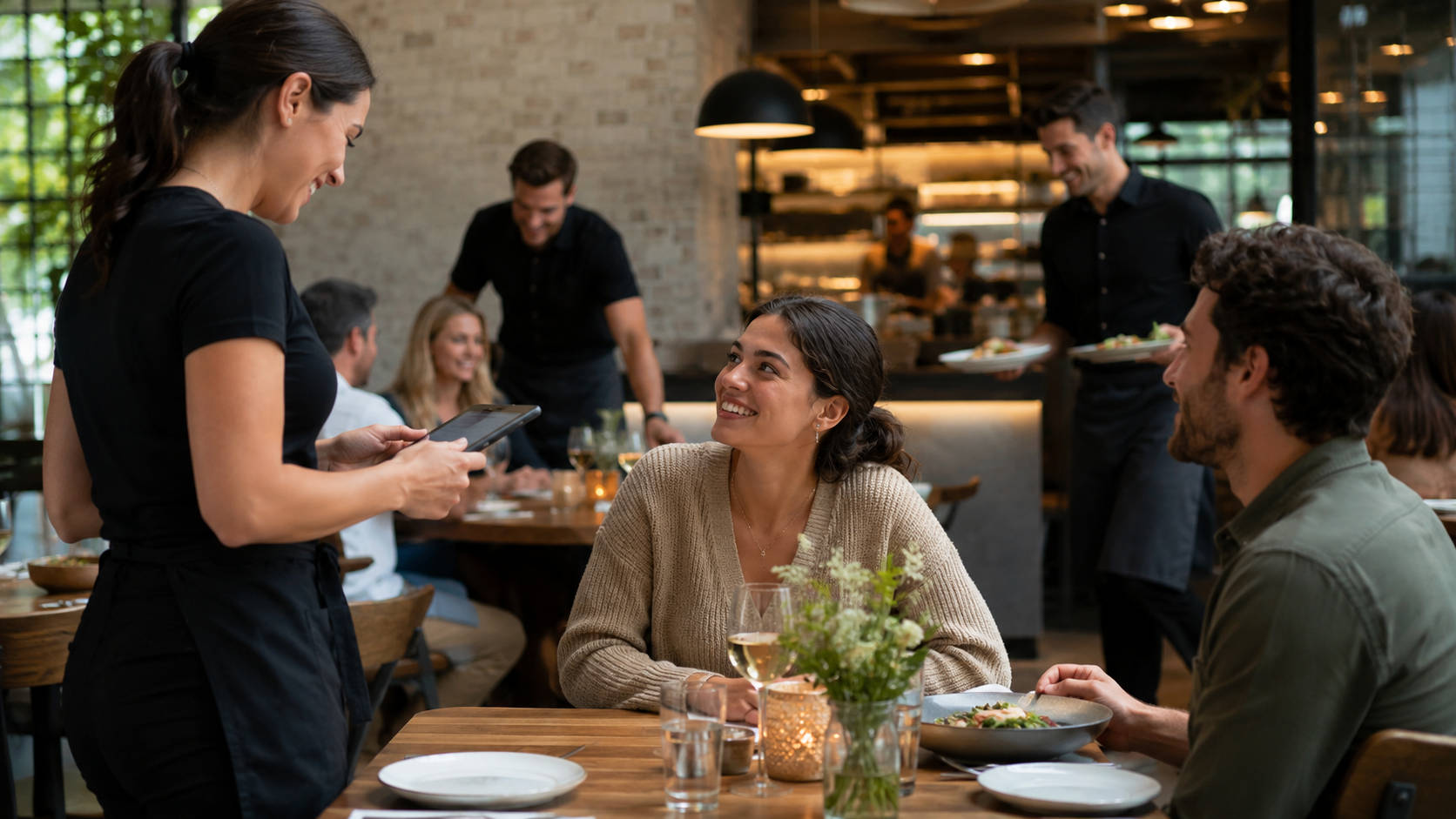
That’s sparked a real debate about QR code ordering vs traditional service. Some operators worry that screens take the warmth out of hospitality. In practice, it’s usually the opposite. When servers aren’t stuck typing orders and running payments, they have more time to actually talk to guests, make recommendations, and take care of the table. The technology handles the busywork so your people can do the hospitality part.
Curious what tableside ordering would look like in your restaurant? Book a free demo and we’ll walk you through it.
Can Restaurants Operate With Fewer Servers?
Yes — and without burning out the team you have.
Think about how much of a server’s shift is spent walking. In a traditional setup, they take the order at the table, walk to the POS station, wait behind another server, type everything in, and then head back. On a busy Friday night, that adds up to hours of wasted steps.
Reducing restaurant labor costs with technology comes down to cutting out that wasted movement. When servers send orders from the table, a person who used to struggle with a four-table section can comfortably handle six to eight. You can run a smooth shift even when you’re short-staffed, your servers earn more in tips, and your labor costs stay under control.
How to Speed Up Table Turnover
In a restaurant, time is money. If you want faster table turns, you have to find the service delays and remove them.
Here’s the traditional flow: the server takes the order, walks to the POS, waits in line, punches in the drinks and appetizers, and finally sends the ticket to the kitchen. That can take five to ten minutes per table.
Automating restaurant order entry at the table shrinks that to seconds. With handheld POS systems for waitstaff, a server can fire a drink order to the bar while they’re still standing at the table asking about appetizers.
It also helps the kitchen. When you pair tableside ordering with a kitchen display system (KDS), the ticket shows up on the screen the moment the server taps “Send.” Cooks start prepping right away, so food hits the table hotter and faster. Save ten minutes per table across a busy night, and you can often fit in a whole extra seating — real revenue you were leaving on the table before.
Better Order Accuracy and Real-Time Inventory
Nothing sours a table faster than the wrong dish. Misread handwriting, forgotten allergy notes, and miscommunication cost restaurants real money every year in comped meals and wasted food.
Improving order accuracy with digital menus is one of the fastest payoffs of upgrading your setup. Whether the guest orders on a tablet or a server uses a handheld, required modifiers make sure nothing gets skipped. The order can’t go through until the meat temperature, side choice, and allergy details are selected.
These systems also give servers real-time inventory. Say the kitchen runs out of the sea bass special. In an old-school setup, the server doesn’t find out until they walk to the terminal — and then has to go back and break the news to the table. With tableside ordering, the item is sold out on every device the moment the kitchen flags it, so the awkward conversation never happens.
What Tableside Technology Does for the Guest Experience
There’s a common worry that screens make dining feel cold and transactional. In reality, mosts guests like having control. They can order a second round of drinks or an extra side without flagging down a busy server. In high-volume spots, contactless dining lets big crowds sit, order, and eat at their own pace without feeling rushed or ignored.
The biggest win comes at the end of the meal. Waiting for the check is the most frustrating part of dining out: waiting for the bill, waiting for the card to come back, waiting for the receipt. With mobile payment at the table, guests scan a code or tap their card and leave whenever they’re ready.
Tableside Tech as a Revenue Driver
Tableside ordering isn’t just a way to survive a staffing shortage. It also brings in more money.
One of the quieter benefits is increasing average check size with upsell prompts. Servers are human — during a rush, they forget to suggest the premium liquor upgrade or the side of truffle fries. The system doesn’t forget. It can prompt the server with a pairing suggestion, or show the guest a tempting dessert photo right on the digital menu. That kind of consistent, low-pressure upselling can meaningfully lift your average ticket over time.
How to Roll It Out Without Disrupting Service
Handing your staff a stack of tablets and hoping for the best won’t work. A smooth rollout looks like this:
- Explain the “why.” When training staff on tableside ordering systems, don’t just show them the buttons. Show them how faster table turns mean more tips, and how real-time inventory saves them from awkward moments with guests.
- Start with your best servers. Let your top performers get comfortable first. Once they’re sold on it, they’ll bring the rest of the floor along.
- Keep the menu layout simple. If it takes five screens to order a cheeseburger, the technology is slowing you down. Clean, easy-to-read menus matter.
- Keep the human touch. Eye contact, a warm greeting, and genuine service are still the foundation. The technology is there to support hospitality, not replace it.
How Orders.co Helps Independent Restaurants Grow
Orders.co was built for independent and small multi-location restaurants — the operators doing more with less every single day. The platform brings your ordering under one roof: commission-free direct online ordering, order consolidation across delivery apps, POS, kiosks, and menu management, all designed so you don’t need a tech background to run any of it.
And you’re never on your own with it. Orders.co support is available 24/7, so whether an issue pops up during the Friday dinner rush or a slow Tuesday morning, there’s a real person ready to help. That’s what partnership looks like when your whole business runs on every order going through.
FAQ: Tableside Ordering for Faster Service With Fewer Staff
Tableside ordering is a workflow where guests place orders from the table (often via a QR code or tabletop device) or servers take orders on handheld devices, sending tickets directly to the kitchen or bar without returning to a fixed POS station.
It removes the delays caused by walking to a POS terminal, waiting in line, and re-entering orders by hand. Orders reach the kitchen in seconds, so food and drinks start sooner and hit the table faster.
Yes. When servers spend less time on order entry, running payments, and repeated check-ins, each server can cover more tables without service quality slipping.
With QR code ordering, the guest orders from their own phone using a digital menu. With handheld POS ordering, a staff member takes the order on a device. Many restaurants use both, depending on service style and guest preference.
It usually does. Digital menus and handheld systems can require modifiers (like cooking temperature or side choice) and flag allergens, which cuts down on errors from misheard requests or hard-to-read handwriting.
Not if it’s rolled out thoughtfully. The best setups keep hospitality front and center and use the technology to remove friction — long waits to order, reorder, or pay.
Many operators find that faster service and more table turns mean more tip opportunities. Digital prompts can also help servers upsell consistently without sounding scripted.
It works for both. Quick-service restaurants use it to speed up ordering and payment. Full-service restaurants use it to streamline order entry and give staff more time with guests.
At minimum: a digital menu (QR or tabletop), reliable Wi-Fi, and a POS that supports mobile ordering and payments. Many restaurants also connect a kitchen display system to speed up the back of house.
Start with a pilot — one section, one shift, or your strongest servers. Train on the why as well as the how, and keep a simple backup process in place while you fine-tune the workflow.
The Bottom Line
Running a restaurant today means finding efficiencies without losing what makes your place special. Staffing challenges don’t have to mean worse service.
Tableside ordering takes the repetitive, tedious tasks off your front-of-house team’s plate. A smaller staff can cover more tables, turn them faster, and make fewer mistakes — while guests get a smoother experience from first drink to final payment. The investment in modern POS hardware and software pays for itself through extra table turns, higher check averages, and less friction on every shift. For independent operators, tableside technology has moved from nice-to-have to one of the most reliable ways to grow.