


- Understanding Dine-In Ordering
- The Dine-In Ordering Process: Step by Step
- Key Elements of a Successful Dine-In Experience
- Dine-In Ordering vs. Other Restaurant Ordering Methods
- The Role of the Restaurant Menu in Dine-In Ordering
- Table Service: Enhancing the Dine-In Experience
- Technology and Modern Dine-In Ordering Solutions
- Staff Training and Best Practices for Dine-In Ordering
- Common Challenges and How to Overcome Them
- Tips for Optimizing Your Dine-In Ordering System
- Frequently Asked Questions about Dine-In Ordering
- More Helpful Reads
Dine-in ordering is exactly what it sounds like: guests sit down at a table in your restaurant, place an order, and eat on-site. It’s the oldest service model in the business — and it’s still where many independent restaurants build their reputations, regulars, and best margins.
But “dine-in” covers more than a server with a notepad. It’s the full sequence from the moment a guest walks in to the moment they pay: greeting, seating, menu, order-taking, kitchen handoff, service, and checkout. When that sequence runs smoothly, guests come back. When it doesn’t, you feel it in slower table turns, comped meals, and reviews that mention the wait before they mention the food.
This guide walks through how dine-in ordering works, how it compares to takeout and delivery, and where technology can take some of the load off your team — without losing the personal touch that makes dine-in worth doing.
Understanding Dine-In Ordering
Dine-in ordering is the process by which guests place and eat their meals inside your restaurant. What sets it apart from takeout, delivery, or online ordering is direct, face-to-face communication between your guests and your staff.
The menu sits at its center. Whether it’s printed, on a tablet, or behind a QR code, the menu is what guests use to decide — and a clear, well-organized menu does a lot of quiet work for your servers before they ever reach the table.
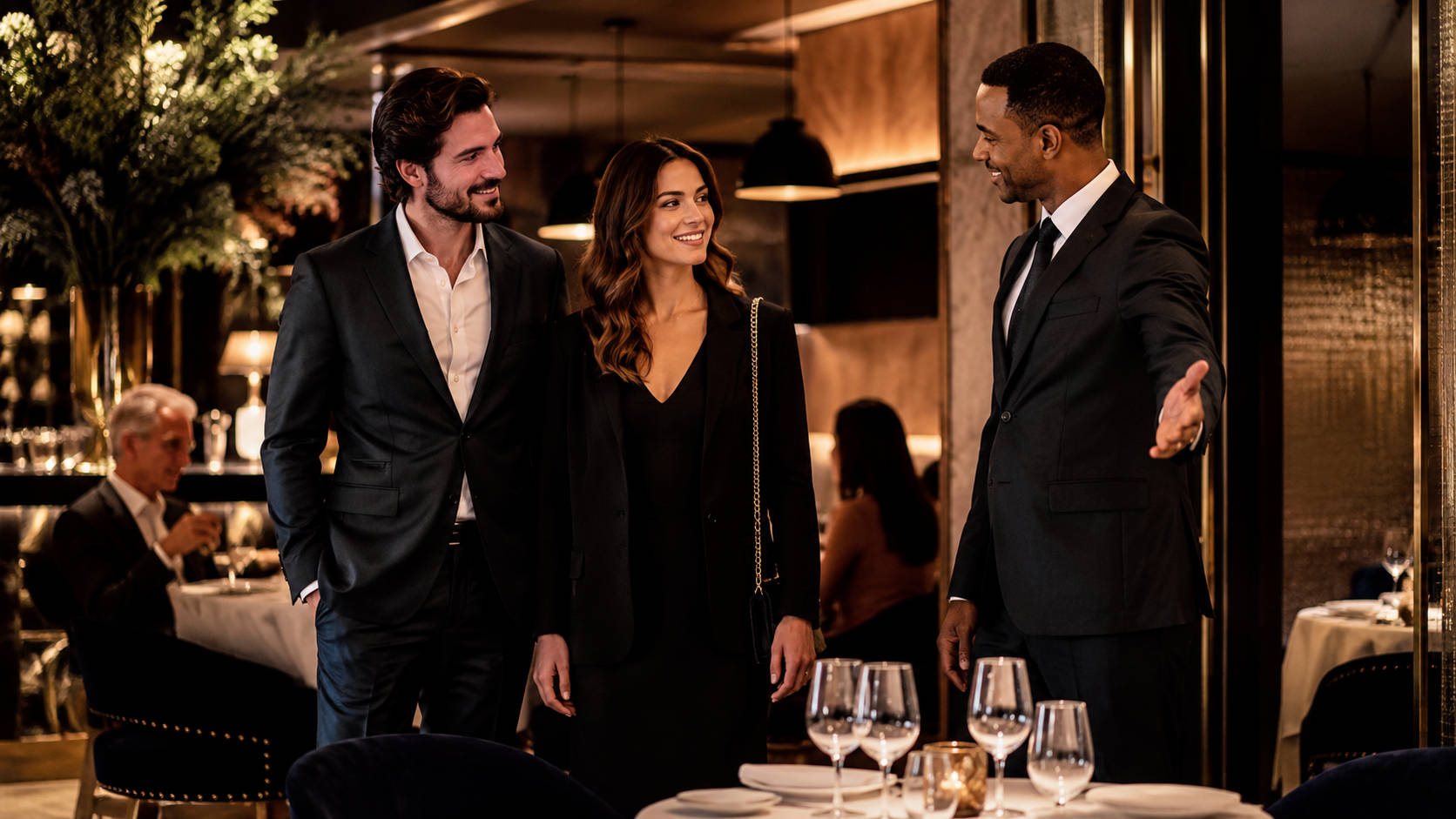
The experience usually starts with a greeting. Someone welcomes the guests, seats them, and makes sure they have what they need. That first minute sets the tone for everything that follows.
Key Components of Dine-In Ordering
- Greeting and seating: A welcoming start, without a long wait at the door.
- Menu presentation: Clear choices, with specials called out.
- Order taking: Listening carefully and getting the details right — mods, allergies, substitutions.
- Serving: Food and drinks delivered on time, at the right temperature.
- Feedback and farewell: A quick check-in, an easy checkout, and a good last impression.
None of these steps is complicated on its own. The work is in doing all of them consistently, table after table, on a busy Friday as well as a slow Tuesday. Get the sequence right, and guests notice — even if they can’t say exactly why the meal felt easy.
The Dine-In Ordering Process: Step by Step
Here’s how the process typically runs from the guest’s side, and what each step asks of your team.
1. Welcoming and seating. A host (or whoever’s closest to the door) greets guests and gets them to a table. Long, unmanaged waits at the entrance are one of the fastest ways to lose a walk-in.
2. Menu presentation. The server brings menus, mentions specials, and answers early questions. This is also the natural moment for drink orders.
3. Decision time. Guests browse. Servers stay available without hovering — a quick pass to answer questions helps guests decide faster, which helps your table turns.
4. Order taking. The server records the order, confirms the details, and notes any dietary restrictions or special requests. Repeating the order back takes ten seconds and prevents most remakes.
5. Kitchen and service. The order goes to the kitchen — on a ticket or straight through your POS — and food comes out as it’s ready. Timing matters here: a dish that sits in the window loses quality fast.
6. Check-in, payment, and farewell. The server checks back, handles any issues, and closes out the check. A smooth, unhurried checkout is the last thing guests remember.
Each handoff in this chain — host to server, server to kitchen, kitchen back to server — is a place where orders can slow down or go wrong. Most dine-in problems trace back to one of those handoffs, which is also where the right systems and training pay off most.
Key Elements of a Successful Dine-In Experience
A few things separate the dine-in experiences guests talk about from the ones they forget.
- Ambiance: Lighting, noise level, cleanliness, and comfort. Guests may not comment on it, but they feel it — and it shapes how long they stay and how much they order.
- Staff professionalism: Servers who know the menu, catch the details, and handle problems without drama. Your front-of-house is your brand in person.
- Food quality and consistency: Fresh ingredients, consistent execution, and plates that look like they came from the same kitchen every visit.
- Timely service: Food delivered promptly, at temperature, without guests having to flag someone down.
None of this is news to anyone who’s run a dining room. The hard part is holding the standard during a rush, with a short-staffed floor, on a night when the kitchen is slammed. That’s why the rest of this guide focuses on systems and training — the things that keep quality steady when you’re not standing at the pass yourself.
Dine-In Ordering vs. Other Restaurant Ordering Methods
Dine-in isn’t better or worse than takeout, delivery, or online ordering — it serves a different job. Here’s how they compare:
- Dine-in: Personal, immersive, direct service. Highest opportunity for hospitality, upsells, and building regulars. Also, the most labor-intensive.
- Takeout: Convenient for the guest, efficient for you. Less personal, and the experience mostly ends at the counter.
- Delivery: Maximum convenience, but you give up control of the last mile — food quality in transit, timing, and often a cut of the ticket.
- Online ordering: Easy menu access and accurate orders, but no in-person experience.
Most restaurants today run several of these at once, and that’s the right call — delivery apps are useful discovery channels for new customers, while dine-in and direct ordering are where loyalty and margin live. The goal isn’t to pick one. It’s to make sure each channel runs well without pulling your team away from the guests sitting in your dining room.
Running dine-in, online, and delivery orders from separate systems? Orders.co brings them into one place — one menu, one order queue, one report. Book a Free Demo to see how it works with your setup.
The Role of the Restaurant Menu in Dine-In Ordering
The menu is the one piece of your dine-in operation that every single guest interacts with. It’s worth getting right.
A good dine-in menu does a few specific things:
- Reads fast. Clear categories, readable type, and descriptions that tell guests what’s in the dish without a paragraph.
- Guides decisions. Highlight your best sellers and highest-margin items. Guests who can’t decide order less and take longer.
- Covers dietary needs. Marking vegetarian, gluten-free, and common allergens up front saves your servers the same five questions every shift.
- Stays current. Nothing frustrates guests like ordering something you’re out of. If an item is out of stock, it should be removed from the menu that guests are looking at.
You don’t need a different menu for dine-in than for takeout or online — most restaurants run one core menu and adjust availability, portions, or pricing by channel. What matters is that every version stays in sync, so the guest at table six and the guest ordering from your website see the same accurate information.
Table Service: Enhancing the Dine-In Experience
Table service is where dine-in ordering becomes hospitality. Your servers aren’t just taking orders — they’re the main human contact your guests have with your business.
Good table service comes down to a handful of habits, done consistently:
- Prompt greeting: Guests acknowledged within a minute or two of sitting down.
- Menu guidance: Honest recommendations from servers who’ve actually tasted the food.
- Attentive check-ins: Enough presence to catch problems early, without interrupting every conversation.
- A gracious close: An accurate check, an easy payment, and a genuine thank-you.
Servers who do these things well turn first-time guests into regulars, and they’re also your best upsell engine — a good recommendation raises the check more reliably than any menu design trick. That’s a training investment, not a personality lottery, which is why the staffing section below matters.

Technology and Modern Dine-In Ordering Solutions
Technology won’t replace hospitality, but it can take repetitive work off your team’s plate, allowing them to focus on guests. A few tools worth knowing:
- QR code and mobile ordering: Guests scan a QR code and place orders on their phones. Speeds up ordering during rushes and cuts entry errors, though some guests still prefer ordering with a server — plenty of restaurants offer both.
- Self-service kiosks: Common in counter-service and fast-casual concepts. Guests order at their own pace, and lines move faster.
- Contactless payments: Pay-at-table readers and tap-to-pay speed up checkout and turn tables without rushing anyone.
- Integrated POS systems: The backbone. When dine-in, online, and delivery orders all flow into one system, your kitchen works from one queue, and your reporting actually reflects the whole business.
The common thread: fewer manual handoffs. Every time an order has to be re-entered, re-read, or shouted across the line, there’s a chance for a mistake. Systems that talk to each other remove those chances.
Staff Training and Best Practices for Dine-In Ordering
Your dine-in experience is only as good as the people running it. A few practices that consistently pay off:
- Real onboarding: New hires should know the menu, the modifiers, and the shift flow before they’re on the floor solo. A shift shadowing a strong server is worth more than a binder.
- Role-playing: Practice the awkward stuff — a wrong order, an allergy question, a frustrated guest — before it happens live.
- Cross-training: Staff who can jump between the host stand, server section, and expo keep service moving when someone calls out.
- Feedback both ways: Your servers hear what guests actually think every night. Give them an easy way to pass it along and act on it.
- Recognition: Acknowledge the people who hold the standard. It costs little and keeps your best staff around.
Training isn’t a one-time event. Short, regular refreshers — a five-minute pre-shift on a new menu item or a service issue from last week — beat an annual seminar every time.
Common Challenges and How to Overcome Them
Every dine-in operation runs into the same handful of problems. The difference is how quickly you catch and fix them.
- Wrong orders: Usually a handoff problem. Standardize modifier names between the front of house and the kitchen, repeat orders back to guests, and let your POS carry the ticket instead of relying on memory.
- Slow ticket times: Watch where orders stack up — is it the kitchen, or orders reaching the kitchen late? The fix is different for each.
- Long waits at the door: Manage the wait honestly. A realistic quote and a friendly check-in keep guests from walking.
- Inconsistent service between shifts: Almost always a training and pre-shift communication gap, not a people problem.
A simple habit that helps with all of these: review your numbers weekly. Ticket times, voids, comps, and table turns will tell you where the friction is before your reviews do.
Tips for Optimizing Your Dine-In Ordering System
If you want to tighten up your dine-in operation, start here:
- Map your current flow. Walk an order from greeting to payment and note where it slows down. Fix the biggest bottleneck first.
- Lean on your POS. Orders entered once, sent straight to the kitchen, and tracked in reporting. If your team is re-entering anything by hand, that’s your next fix.
- Simplify the menu. A tighter menu is easier for guests to order from, easier for the kitchen to execute, and easier to keep profitable.
- Keep training regularly. Short and frequent beats long and rare.
Small improvements add up. Shaving two minutes off average ticket time or a few points off your error rate shows up in table turns, check sizes, and reviews within weeks.
Frequently Asked Questions about Dine-In Ordering
Dine-in ordering is when guests place an order while seated in your restaurant, usually through a server, a kiosk, or a digital menu, and then eat their meal on-site.
Dine-in ordering describes where the meal is consumed (in the restaurant). Table service describes how service is delivered (a server takes orders, runs food, refills drinks, and checks in).
Not always. Many restaurants use a single core menu and adjust availability, portions, or pricing based on the service style and kitchen capacity.
Standardize modifiers, repeat orders back to guests, and ensure the kitchen and front-of-house use the same item names. If you use digital ordering, keep options clear and limit confusing customizations.
It depends on your concept. QR ordering can speed up ordering and add convenience, but some guests still prefer staff interaction. Many restaurants offer both, so diners can choose.
Look for easy menu updates, strong uptime, clear modifier handling, smooth payment flow, and reporting that helps you track sales by item, server, and daypart.
Yes, POS integration can reduce manual re-entry, improve ticket accuracy, and help keep inventory and reporting aligned.
Common options include paying at the table (via a card reader), at the counter, or by splitting the payment. Choose the approach that matches your service style and helps turn tables without rushing guests.
It can. If technology speeds up ordering and payment, staff may spend less time taking orders and more time on hospitality, upselling, and resolving issues quickly.
Track ticket times, order accuracy, average check size, table turn time, voids and comps, and top-selling items. These numbers show where service and menu changes will have the biggest impact.


