


- What Changed With Alexa+ Food Ordering?
- Restaurant Discovery Is Moving From Browsing to Conversation
- What Does an AI Ordering System Need to Understand About Your Menu?
- 8 Signs Your Restaurant Menu Is Not Ready for AI Ordering
- How to Optimize Your Restaurant Menu for AI Ordering
- Why Manual Menu Management Becomes Riskier as Ordering Channels Multiply
- Marketplace Discovery Is Useful — But You Still Need a Direct Channel
- A Menu Built for People Will Soon Need to Work for Their Assistants
- Frequently Asked Questions
- More Helpful Reads
For years, your menu had one job: help a hungry person decide what to order. That job is expanding. A growing share of your customers will soon skip scrolling entirely and tell an AI assistant what they want, leaving the assistant to read your menu on their behalf.
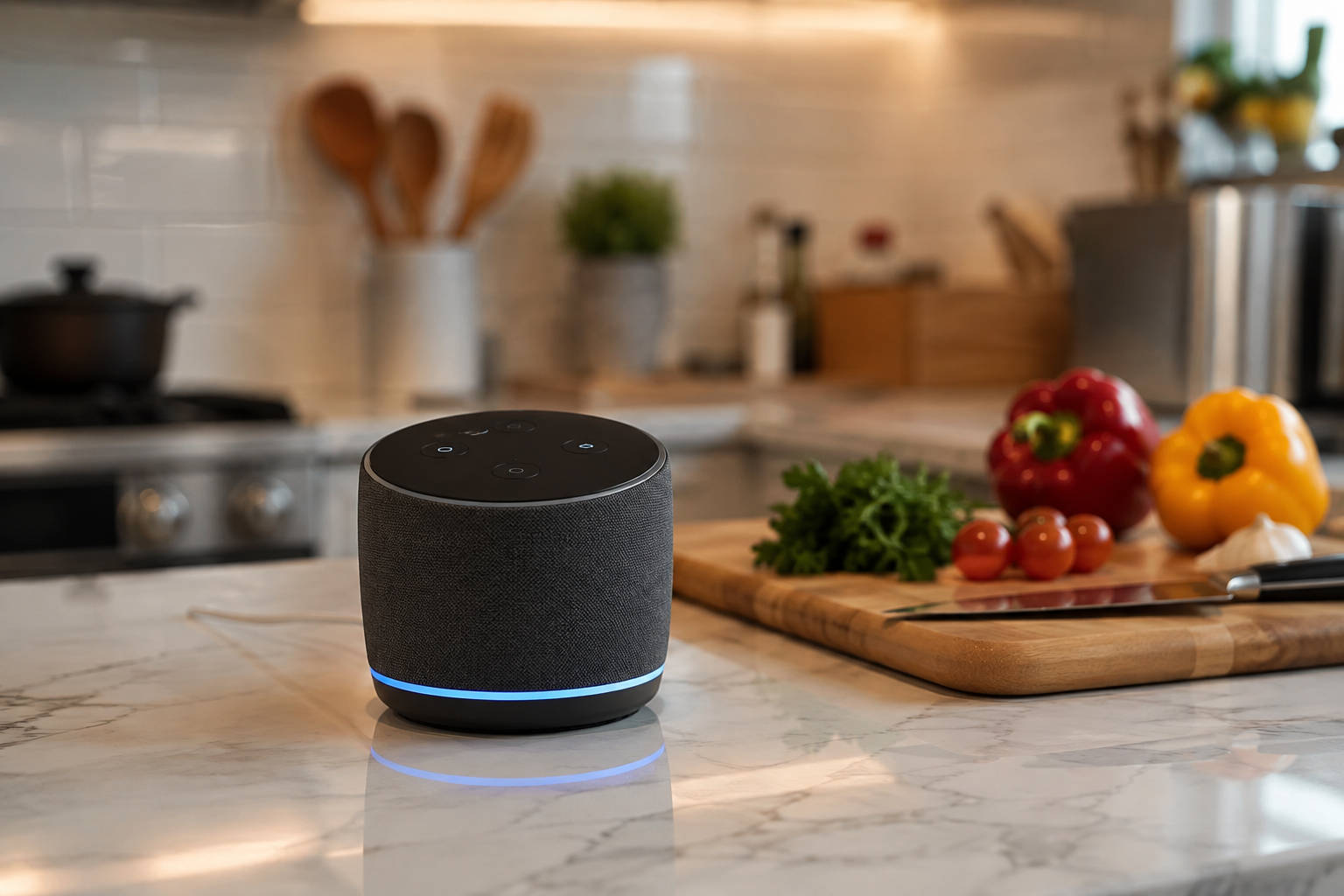
That is already happening. Amazon’s Alexa+ can now help people discover restaurants, browse dishes, ask questions, customize items, place a delivery order through a linked Grubhub or Uber Eats account, and track it to the door. A customer can say, “Find me a spicy chicken dinner under $25, no onions, that can arrive in the next 40 minutes,” and let Alexa+ do the searching.
The takeaway for operators is straightforward. You are no longer writing menus only for people. Your menu information now has to be clear enough for the assistants helping those people decide. This does not mean every restaurant needs to build an Alexa app. It means accurate, descriptive, structured menu data – good restaurant menu management matters more than it used to. That is the real story behind AI ordering for restaurants: the shift rewards operators whose menu information is already in good shape, not those who adopt the newest technology.
What Changed With Alexa+ Food Ordering?
Alexa+ adds conversational food ordering to Amazon’s assistant. In practice, a customer can now:
- Search for a restaurant by name or cuisine
- Start an order based on a craving
- Browse categories and individual menu items
- Ask questions about the choices available
- Add, remove, and modify items through conversation
- Review item prices and the full cart
- Place the order through a linked Grubhub or Uber Eats account
- Get updates and track the order
Amazon has said Alexa+ can take a general request, such as “meat lovers pizza,” and match it to the closest item on a restaurant’s menu.
One distinction that helps keep this accurate is that Alexa+ does not rank every restaurant website. The current experience runs through participating ordering providers — particularly Grubhub and Uber Eats — and Grubhub describes Alexa+ as another discovery and ordering entry point for restaurants already in its marketplace. Your menu still matters, but the order itself flows through those channels.
Restaurant Discovery Is Moving From Browsing to Conversation
It helps to compare the old journey with the new one.
The traditional path: a customer opens a delivery app, scrolls through restaurant cards, opens a few menus, compares items by hand, then picks and customizes an order.
The conversational path: a customer describes the craving, budget, dietary needs, occasion, or cuisine; the assistant identifies suitable restaurants and dishes; the customer refines the selection through conversation; and the cart is confirmed.
Here is why that reshapes things for you. In a scrolling experience, a good photo or a familiar restaurant name earns the first click. In conversational ordering, the assistant must understand what you serve and which item best fits the request before your restaurant is even surfaced.
Put plainly: in AI ordering, your menu is not just a sales page. It is the product data an assistant uses to understand, recommend, and sell your food.
What Does an AI Ordering System Need to Understand About Your Menu?
Amazon’s public Food Ordering interface describes the menu information the system works with, including menu category, item name, base price, current availability, description, image, popular-item status, customization categories, choices such as sizes and toppings, choice prices, and minimum and maximum selection rules. It supports discovery, browsing, cart management, checkout, and order tracking.
Translated into operator terms, four things matter most.
Item identity
Can the system tell what the dish actually is? “House Special” says almost nothing. “Spicy Nashville Chicken Sandwich” provides an assistant with a recognizable product, cuisine, protein, and flavor profile.
Accurate price and availability
Can the item actually be ordered, right now, at the price shown? If either is off, an assistant can confidently offer a customer something you cannot actually deliver.
Customization logic
Can the assistant tell which choices are required, optional, free, or an upcharge? That is what lets it price the cart correctly before the customer confirms.
Descriptive context
Does the description cover the ingredients, preparation, portion size, flavor, and anything that sets the dish apart?
An AI-ready restaurant menu is a menu with clear names, complete descriptions, logical categories, structured modifiers, current prices, and accurate availability across every ordering channel.
8 Signs Your Restaurant Menu Is Not Ready for AI Ordering
Run your menu against this list.
- Vague item names. “Special #2,” “House Plate,” “Combo A,” and “The Usual” make sense to regulars, but give a first-time assistant almost nothing to work with.
- Missing or thin descriptions. “Chicken sandwich with fries” skips the preparation, sauce, toppings, spice level, and size.
- Modifiers hidden in the special-instructions box. If key choices are not structured, the system may not confirm whether a request is valid or whether it changes the price.
- Sold-out dishes still listed as available. That leads to substitutions, cancellations, refunds, and unhappy customers.
- Unexplained price differences between channels. Different marketplace pricing can be deliberate; unmanaged inconsistency is the real problem.
- Overlapping categories. “Favorites,” “Main,” “Popular,” and “Specials” can blur until neither customers nor the system knows where an item belongs.
- The same dish under different names on different platforms. “Chicken Shawarma Plate” in one app and “Mediterranean Chicken Dinner” in another confuse both discovery and reporting.
- Manual updates on every platform. The more often you must make changes by hand, the more likely you are to miss one.
How to Optimize Your Restaurant Menu for AI Ordering
This is where the work pays off. None of it requires new technology — just clearer information, managed consistently.
Give every item a clear, specific name
A simple pattern works: main ingredient + dish type + distinguishing quality. “House Burger” becomes “Double Smash Burger With Caramelized Onions.” “Pasta Special” becomes “Creamy Cajun Chicken Penne.” The goal is not keyword stuffing; it is immediate understanding.
Write descriptions that answer ordering questions
A strong description covers the primary ingredients, preparation method, sauce or seasoning, included sides, portion, spice level, and key customization options. For example: “Crispy buttermilk-fried chicken breast with Nashville hot seasoning, pickles, coleslaw, and comeback sauce on a toasted brioche bun. Served with seasoned fries.” If writing that for every item sounds like a lot, this is one place Orders.co can help — you enter the ingredients and generate a complete description instead of starting from a blank field.
Turn common requests into structured modifiers
Choices like size, crust, protein, spice level, added toppings, removed ingredients, sides, and dressings should be selectable options rather than free-text notes. Amazon’s ordering framework supports nested customization categories, choice prices, quantity rules, and required-selection limits — so a “no onions” or “extra cheese” request is far more reliable as a structured modifier than as a line buried in an instructions box.
Organize categories around how people order
Use familiar groupings: Appetizers, Burgers, Pizza, Salads, Family Meals, Kids’ Meals, Desserts, and Drinks. Avoid repeating the same item across multiple fuzzy sections unless the platform handles it cleanly.
Keep item availability current
An unavailable item is not just an operational nuisance. In conversational ordering, it can break the whole journey after the customer has already chosen and customized the meal.
Keep core information consistent across platforms
Prices and promotions can differ by marketplace, but the item’s identity should not. Keep names, descriptions, modifier structure, images, availability, and portion information recognizable everywhere.
Use accurate food photography
Amazon’s framework supports menu-item images, so photos stay part of the experience even when the order starts as a conversation. Make sure the photo matches the current dish.
Review performance instead of guessing
Monitor your most-ordered items, modifier usage, dishes with frequent cancellations, items that draw complaints, weak categories, and platform-specific differences. Let the data guide your changes.
Why Manual Menu Management Becomes Riskier as Ordering Channels Multiply
Consider a routine change. You reprice a chicken bowl, remove an out-of-stock topping, and add a new family meal. To keep everything correct, someone has to update the POS, the restaurant website, DoorDash, Uber Eats, Grubhub, your digital menus, and any other ordering channel.
Miss one, and you now have several versions of the truth in circulation. Between your POS, your website, and digital menu management on each delivery app, that is easily half a dozen systems holding the same item.
The point worth sitting with: AI ordering does not create the menu-accuracy problem. It makes an existing problem more visible and more expensive. This is the core of third-party delivery menu management — keeping one recognizable version of each item everywhere it appears. A restaurant menu management system that lets you manage and sync menus across delivery platforms from one place is how most operators keep that from happening.
Marketplace Discovery Is Useful — But You Still Need a Direct Channel
Alexa+, Grubhub, and Uber Eats can introduce customers to your restaurant and make ordering more convenient. But the completed order still lives inside a marketplace account, and so does the customer relationship.
A balanced approach: use marketplaces and emerging AI channels for discovery, deliver a strong first experience, then point customers toward your own branded ordering channel and into loyalty and direct communication where it makes sense. None of this means treating marketplaces as the enemy — they are a discovery channel. It means not stopping at discovery.
A Menu Built for People Will Soon Need to Work for Their Assistants
The immediate story is Alexa+. The larger shift is conversational commerce. More customers will start with requests like “Find dinner for four under $60”
The restaurants ready for that shift will not necessarily have the flashiest AI. They will have the clearest, most accurate, most consistently managed menus.
Keep every menu accurate as new ordering channels emerge. Book a free demo to see how Orders.co’s Master Menu Management System helps you update items, pricing, descriptions, and availability across connected platforms from one place.
Frequently Asked Questions
Yes. Alexa+ can help customers discover restaurants, browse and customize menu items, build a cart, and place delivery orders through a linked Grubhub or Uber Eats account.
Restaurants should use clear item names, complete descriptions, structured modifiers, correct prices, current availability, logical categories, and consistent information across every ordering platform.
Restaurant menu management software lets an operator create, update, organize, and distribute menu information from a central system, rather than editing each ordering channel separately.
Descriptions help the ordering system understand a dish’s ingredients and characteristics, and help customers judge whether it matches what they requested. Amazon’s ordering framework includes a description field for menu items.


