


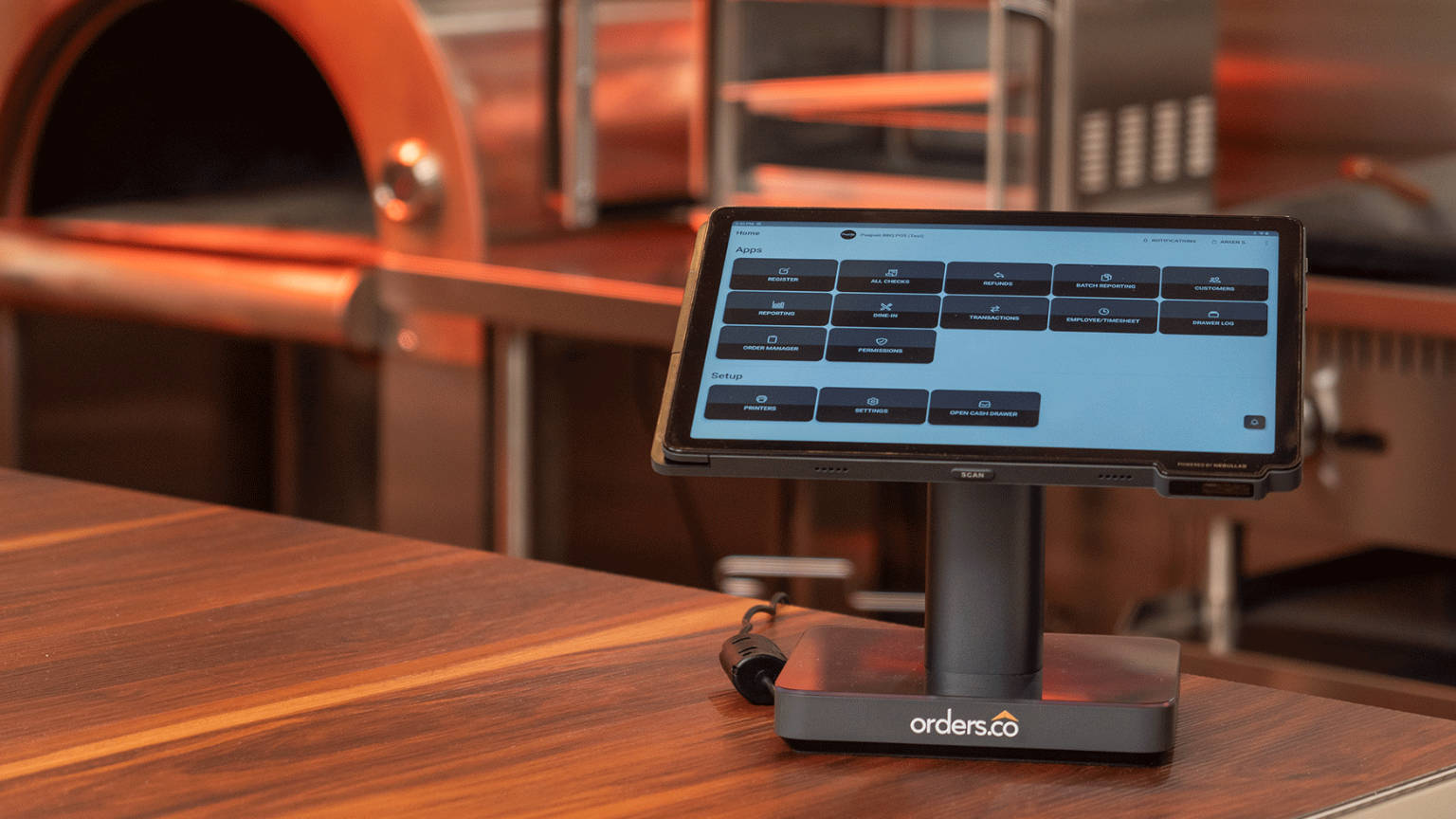
A small restaurant doesn’t shop for a POS because it wants more technology. It buys one to make order-taking, payments, kitchen tickets, menus, online orders, reporting, and repeat business easier to run with a small team.
Here’s the problem with picking one in 2026: most leading systems now advertise nearly the same headline features. Cloud POS, online ordering, delivery, loyalty, reporting — they all check the boxes on paper.
So the feature list isn’t the useful question. The useful one is what the restaurant will actually have to buy, connect, and manage once it moves past basic transactions.
This restaurant POS system comparison looks at five options through that lens: Orders.co, Toast, Square, SpotOn, and Lightspeed Restaurant. The goal is to find the best POS system for a small restaurant based on the total setup it requires — not the longest spec sheet. That total is what actually shows up on the bill.
Quick comparison: small-restaurant POS systems at a glance
The table below is a starting point, not the whole story. Read the notes under each system, because “included” and “add-on” are where the real cost differences live.
| Platform | Starting Price | Direct / Branded Online Ordering | Order Consolidation | Loyalty & Rewards | Delivery Dispatch |
|---|---|---|---|---|---|
| Orders.co | $69/mo (Operator) | Included (branded site) | Included | Included | Included (flexible dispatch) |
| Toast | ~$69/mo core POS; $0 Starter under terms | Available; product/plan dependent | Via integrations/products | Add-on product | Add-on/partner products |
| Square | $0/location + processing | Available; plan dependent | Limited/varies | Add-on (Loyalty) | Via partners/integrations |
| SpotOn | $55/station/mo (Essentials) or $0 All-In w/ terms | Add-on bundle | Varies | Add-on/bundle | Via products/partners |
| Lightspeed | $69/mo (Starter) | Available; plan dependent | Varies | Plan/add-on dependent | Via products/partners |
Pricing shown reflects each vendor’s public plans at the time of review and should be re-verified before purchase. “Per station” and “per location” pricing is noted where it applies.
What do the top restaurant POS systems have in common?
Much of what used to be a selling point is now table stakes.
Cloud-based POS and payments. All five run as a cloud-based restaurant POS: order entry and payment processing through cloud software, with transaction data reachable remotely rather than locked to one back-office terminal.
Menu and order management. Each one handles menu items, modifiers, pricing, order workflows, and item availability — build a menu, add options, and turn items off when the kitchen runs out.
Online ordering. All five ecosystems support online ordering in some form. What differs is whether it’s included, which plan unlocks it, and what it costs — not whether it exists.
Kitchen and fulfillment technology. KDS, receipt and ticket printing, handheld ordering, self-order kiosks, and delivery options are available across these systems. The key word is available — several are separate devices or add-ons, not part of every base subscription.
Reporting. Sales and operational reporting is now expected. Each system gives you some view of what sold, when, and through which channel.
Customer retention. Loyalty, customer profiles, and email or SMS marketing are offered across all five, in different configurations and at different price points.
Multi-location management. Every vendor here offers a POS for multiple restaurant locations, giving a growing restaurant group a path to manage more than one site from a shared account.
If five POS companies can all check most of those boxes, simply counting features doesn’t tell an independent restaurant which system will be easiest or most economical to run.
1. Orders.co
Orders.co is a cloud POS combined with a restaurant growth and operations platform — a strong POS for small business restaurant owners. It’s built around a familiar problem: the restaurant already has a POS, several delivery apps, separate online ordering, mismatched menus, maybe a loyalty app, and scattered reporting, none of which talks to each other.
What POS features does Orders.co include?
The core POS covers cloud-based order entry and payment processing, in-store ordering, and product images on the menu. It supports nested modifier groups, conditional modifier choices, and minimum/maximum modifier rules — useful for pizzerias and build-your-own concepts. It also handles flexible split checks, employee permissions, manager PIN authorization, smart kitchen printing with printer routing by station, KDS, kiosk ordering, tableside ordering, online payment links, and reporting.
How does Orders.co bring orders together?
Orders.co consolidates orders from the POS, the restaurant’s own website, kiosks, virtual brands, and third-party apps including Uber Eats, DoorDash, Grubhub, and ezCater into one workflow.
That means less manual re-entry, one place to manage the menu (with channel-specific menus and item availability when you need them), and centralized reporting instead of a separate dashboard per app.
What about direct ordering and delivery?
Orders.co includes a branded ordering website for commission-free direct orders, direct pickup and delivery, in-house driver assignment, third-party delivery fulfillment, and a flexible AI dispatch feature that routes each order to a driver by cost and availability — keeping fulfillment in the same system instead of bolted on.
What retention and growth tools are included?
Loyalty, rewards, coupons, and customer profiles; SMS and email marketing, including lapsed-customer re-engagement; guest feedback and review tools; local business optimization; and dispute management. These are the tools small restaurants usually stitch together from separate vendors.
Does it handle multiple locations and catering?
Yes — multi-location dashboards, universal menu management, and customized reporting, plus an Advanced Catering Suite with future orders and flexible payments, invoices, and payment links for both catering and regular restaurant workflows.
What does Orders.co cost?
Orders.co currently lists three plans:
- Operator — $69/month
- Boost — $199/month
- Multi-Location — request pricing
The Operator plan currently includes cloud-based POS, third-party app integration, a branded ordering website, a loyalty program, and flexible delivery dispatch. Hardware is a Tablet POS bundle at $499 or an All-in-One POS bundle at $999. Standard processing is 2.6% + $0.10 per transaction.
Here’s why that packaging matters. Several capabilities operators usually add around their POS — delivery-app integration, direct ordering, loyalty, and fulfillment — are already in the base Operator package rather than sold as separate products.
One more thing lowers the risk for a small team: Orders.co can run as the POS or alongside an existing one. You don’t have to replace everything at once — fix the biggest problem first, usually delivery and reporting, and move the POS later if it makes sense.
2. Toast
Toast is one of the most extensive restaurant technology ecosystems available: POS, online ordering, delivery, KDS, handhelds, kiosks, inventory, scheduling, payroll, loyalty, marketing, reporting, and multi-location management.
Its publicly listed core POS pricing starts around $69/month. Toast also advertises a Starter configuration beginning at $0 under specific terms, along with “Build Your Own” configurations where you assemble the products you want.
For a small operator, the important question isn’t whether Toast has enough functionality — it clearly does. It’s which products the restaurant needs to add on top of the core POS, and what the complete software, hardware, and processing arrangement adds up to. Loyalty, marketing, and several fulfillment pieces are their own products, so the working cost depends on the combination you assemble.
3. Square
Square offers a restaurant POS with menu and order management, online ordering, customer profiles, reporting, KDS, kiosk, loyalty, marketing, and multi-location tools. Its low entry point makes it appealing to anyone shopping for an affordable restaurant POS system, especially new restaurants.
Square’s public plans at the time of review:
- Free — $0/location plus processing
- Plus — $49/location
- Premium — $149/location
Note the per-location pricing. Square also lists KDS at $30/device/month and Kiosk at $50/device/month on relevant plans, and Loyalty as a paid add-on.
4. SpotOn
SpotOn provides a restaurant POS with ordering, payments, table layouts, menu management, reporting, offline operation, and restaurant-focused support, plus online ordering, loyalty, marketing, and additional restaurant software.
Current public pricing at the time of review:
- POS Essentials — $55/station/month, plus hardware and implementation
- All-In Plan — $0/station, with higher listed processing rates and a two-year minimum term
SpotOn’s Core Bundle currently adds online ordering and growth tools for $50/month plus 20 basis points of GPV, capped at $200.
The base POS subscription and the full software bundle are different numbers. Compare the bundle you’ll actually run, including the per-station structure and the term commitment.
5. Lightspeed Restaurant
Lightspeed Restaurant is a customizable restaurant POS with menu management, floor plans, reporting, online ordering, takeout and delivery, KDS, inventory, multi-location management, and deeper operational tooling.
Current public plans at the time of review:
- Starter — $69/month
- Essential — $189/month
- Premium — $399/month
- Enterprise — custom
KDS is currently listed at $30/screen/month.
Why Orders.co has a stronger SMB case than the feature checklist suggests
Every system here can run a restaurant. The case for Orders.co isn’t a longer feature list — it’s how the pieces are packaged for a small operator. Four points make the difference.
More of the surrounding stack in one package. The $69 Operator plan currently bundles cloud POS, third-party app integrations, a branded direct-ordering website, loyalty, and flexible AI dispatch — exactly the pieces that normally arrive as separate subscriptions. That makes the base plan unusually relevant to a restaurant that lives on both in-store and digital orders.
Delivery is part of the operating model, not an afterthought. Orders.co was designed around restaurants that take orders from multiple sources. Delivery consolidation, direct ordering, centralized menus, and fulfillment are connected inside one system rather than wired together from isolated products.
You don’t have to rebuild everything at once. Orders.co can complement an existing POS or become the primary POS later. For a small restaurant with limited staff and no internal tech department, that lowers adoption risk — you solve the worst problem first instead of betting the operation on a single cutover.
It’s built around SMB problems, not enterprise complexity. The target operator is dealing with multiple tablets, manual order entry, mismatched menus, delivery fees, weak customer ownership, too many dashboards, and limited time. The value is in removing that burden.
That’s where Orders.co makes its strongest case for small and midsize restaurants. Competitors may offer many of the same individual capabilities, but Orders.co brings more of the tools an independent operator needs around the POS into one connected restaurant platform. That’s a packaging and integration advantage.
Frequently asked questions
The best choice depends on total setup cost, not the feature list. Orders.co stands out for small and midsize restaurants because its base plan bundles POS, third-party delivery integration, a branded ordering website, loyalty, and delivery dispatch that other systems often sell as separate add-ons.
Orders.co offers three plans: Operator at $69/month, Boost at $199/month, and Multi-Location by request. The Operator plan includes cloud POS, third-party app integration, a branded ordering website, loyalty, and flexible delivery dispatch. Hardware is a Tablet POS bundle at $499 or an All-in-One POS bundle at $999, and standard processing is 2.6% + $0.10 per transaction. Add-ons and hardware change the real total, so compare the full configuration you’ll actually run rather than just the base subscription.
Orders.co includes a branded, commission-free direct ordering website in its Operator plan. With several other systems, online ordering is a separate product or a higher plan tier, so confirm whether it’s included before comparing base prices.
Orders.co consolidates orders from Uber Eats, DoorDash, Grubhub, ezCater, its website, and kiosks into one workflow, which reduces manual re-entry and tablet chaos. Other systems offer delivery through integrations or add-on products that vary by plan, so check whether third-party orders land in the same system or stay on separate tablets.
No. Orders.co can run as your primary POS or work alongside an existing POS. Many small restaurants start by fixing delivery consolidation and reporting first, then decide later whether to move the POS itself. That lowers migration risk for a small team without an internal tech department.
Compare what’s actually included in the advertised price versus what’s an add-on: online ordering, third-party delivery consolidation, loyalty, marketing, KDS, hardware cost (and whether it’s per station), processing structure, multi-location support, and how many separate dashboards you’ll manage. The total technology stack matters more than the headline POS price.


